
Simple, secure E-Payment
For approved client applications and service invoices, Maximino Plus accepts payment by card, online payment link, bank transfer, and direct deposit. Email [email protected] to request the official payment details and to send proof of payment.
Three ways to pay
Whichever route you use, the payment is tied to your reference number and acknowledged by email once it clears.
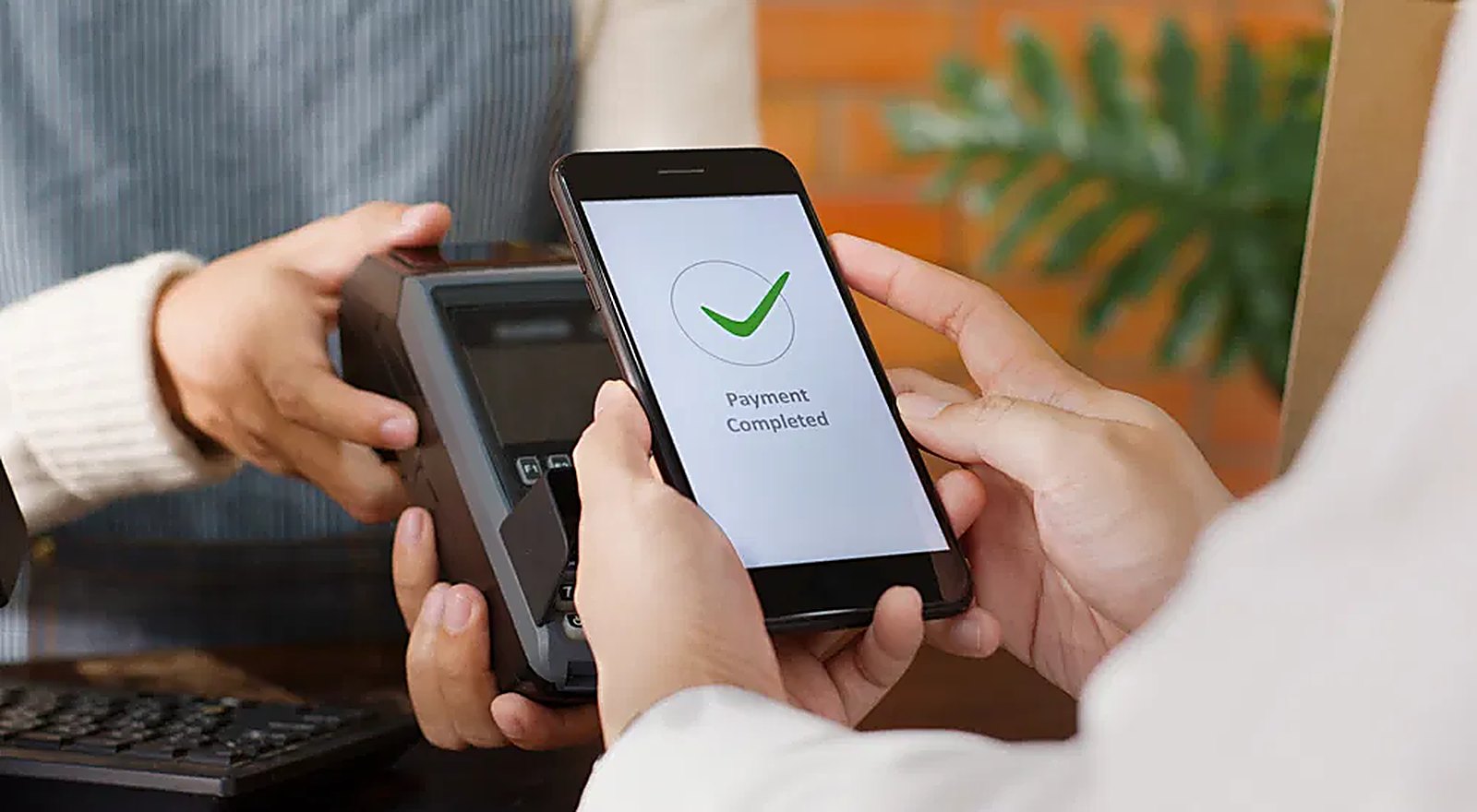


No cheques, no guessing
Electronic settlement clears in hours rather than days, leaves a record on both sides, and removes the paperwork your front office would otherwise be chasing at the end of every month.
- Same-day clearing on most card and transfer payments
- Reference number printed on every invoice and receipt
- Proof of payment acknowledged by email, not by phone
- One statement per month across all active programs
How it Works
Hire
Submit company name, address, tax ID, email, phone, and contact person through the client application.
Receive details
Maximino Plus reviews the application and sends verified electronic payment instructions with your reference number.
Pay and confirm
Settle the invoice electronically, then email the proof of payment. We confirm receipt in writing.
We will never send payment details out of the blue.
Payment instructions are only sent after your application has been reviewed, and only from a maximinoplus.com address. If you receive payment instructions you did not ask for, or the account details differ from what we sent you, stop and call 214.402.0101 before transferring anything.
What we accept
Card payment
Visa, Mastercard, and other major cards, processed through a secure terminal or an online payment link.
Contactless / tap
Tap-to-pay from a phone or card at the terminal, with the confirmation screen shown before you leave.
Online payment
A payment link tied to your invoice, openable on any browser or mobile device.
Bank transfer
Domestic transfer to the account named on the instructions we send you.
Direct deposit
Deposit made in branch or through your own online banking, with the deposit slip emailed back.
Recurring billing
For ongoing programs, a card kept on file and charged against each monthly invoice.